 AutoGem
Save hours a week.
Bulk image generator
 ChatGPT.
 Gemini.
 Grok.
Grok. Qwen.
Qwen.Queue your prompts, walk away, and come back to a finished batch.


See AutoGem in action.
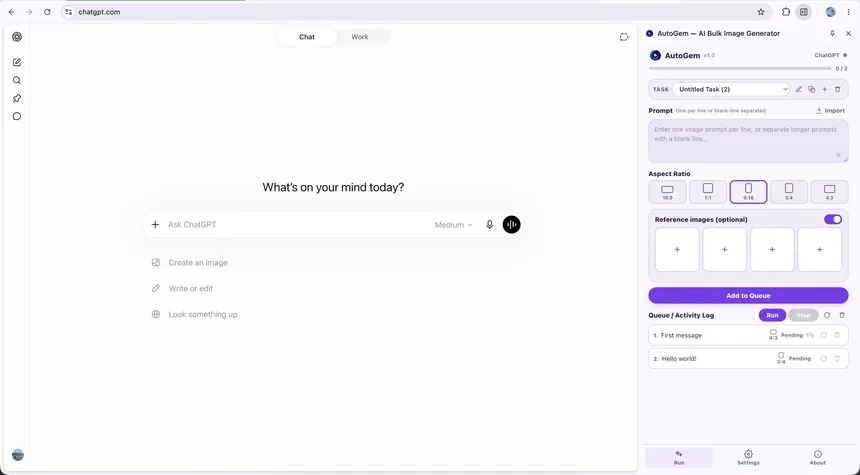
Paste a list of prompts. AutoGem runs them in your AI chat and saves every image.
-
Paste prompts into a queue beside chat.
-
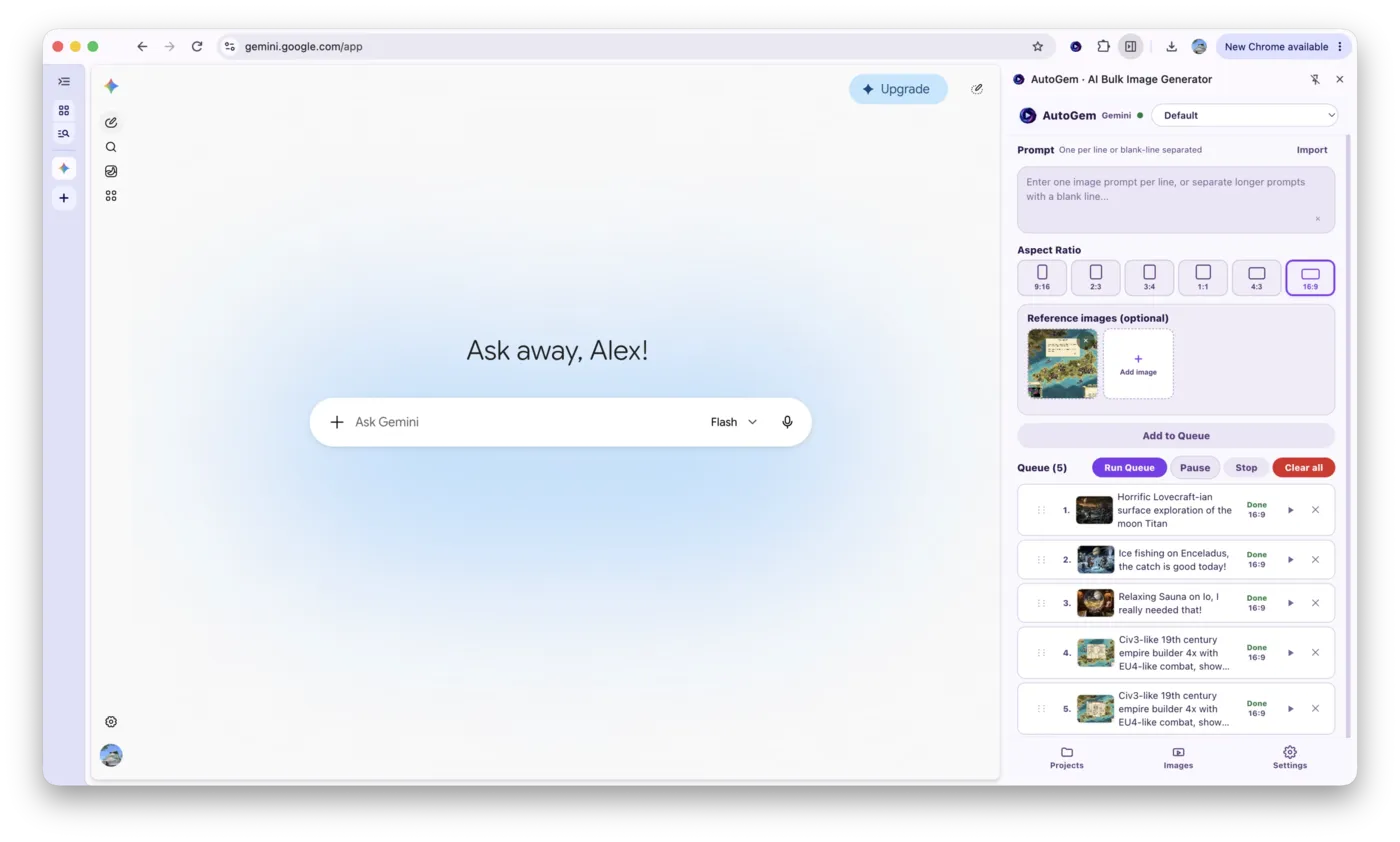
AutoGem runs each prompt in your AI chat.
-
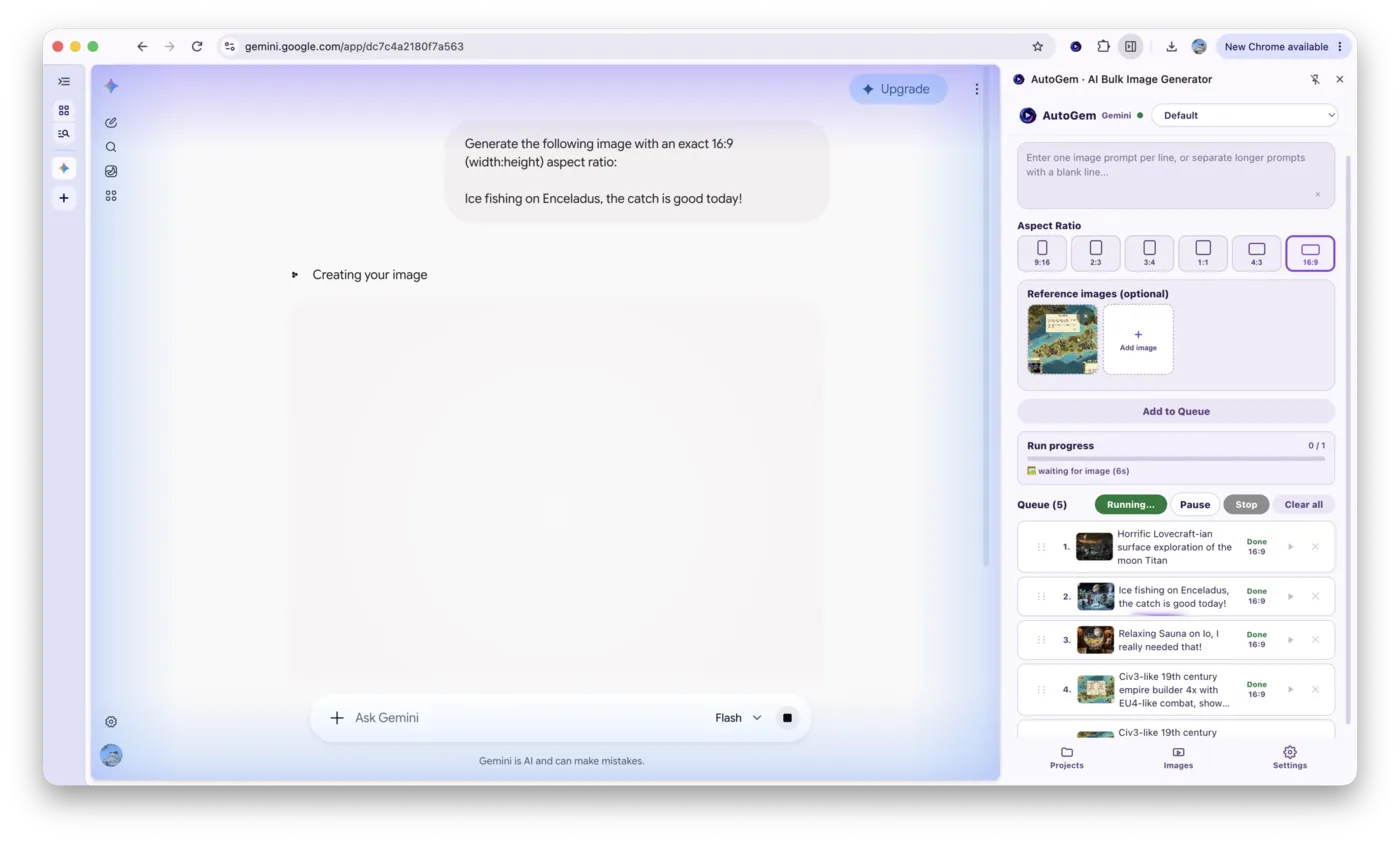
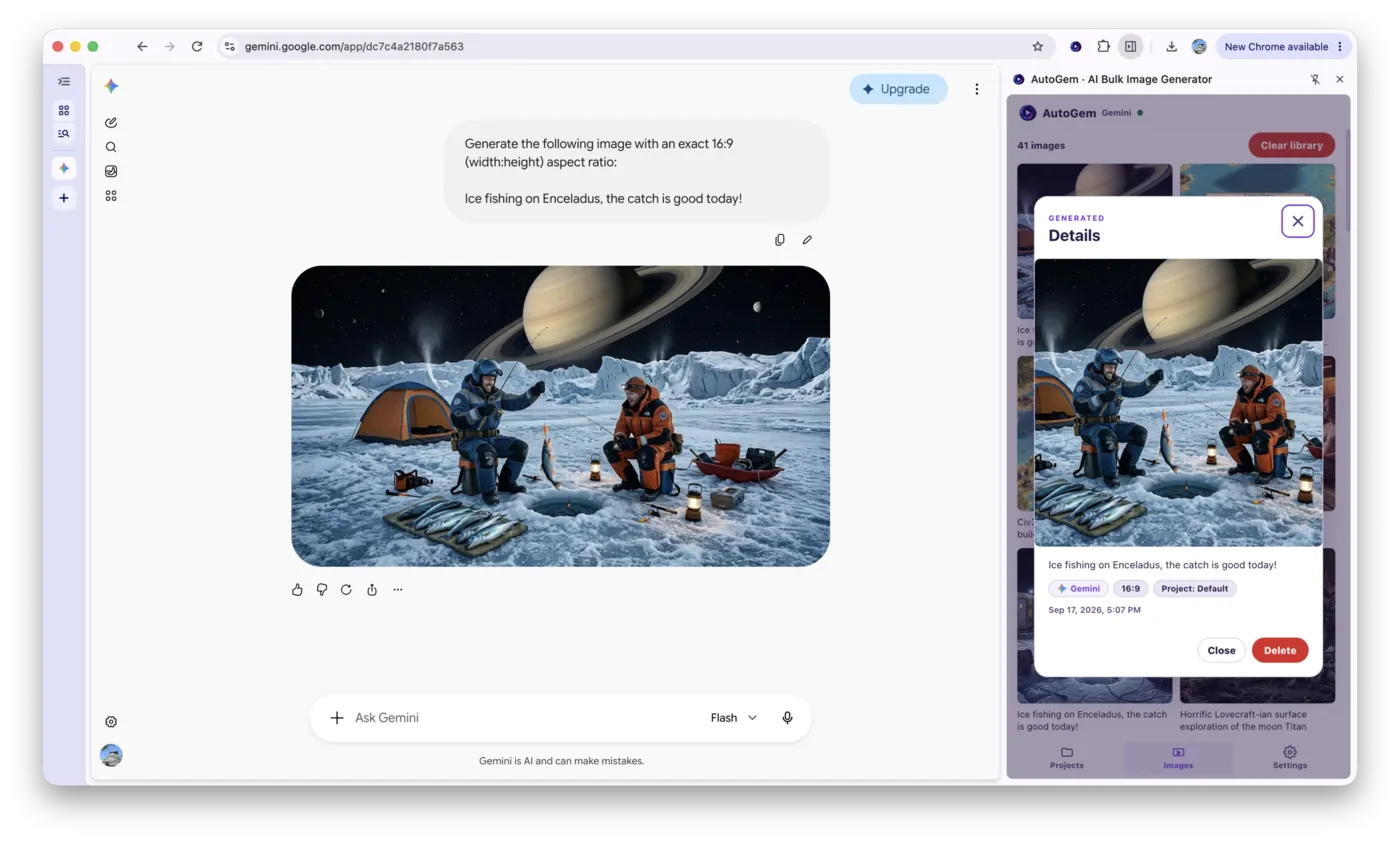
Every result saves to your library.
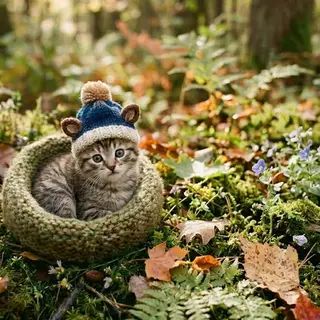

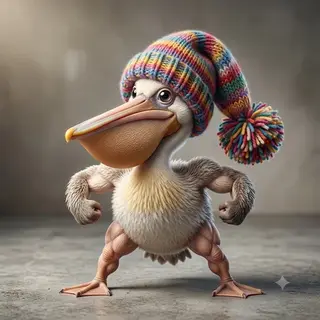
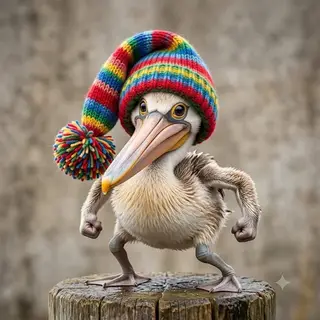
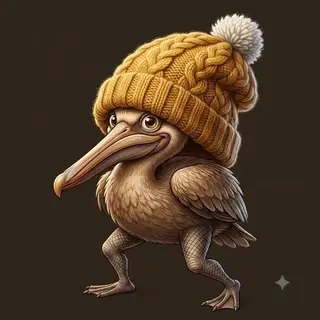
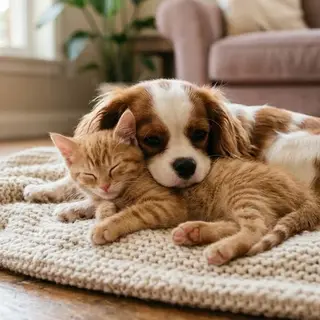
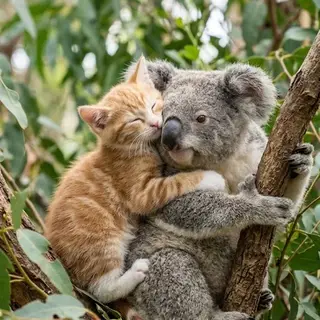
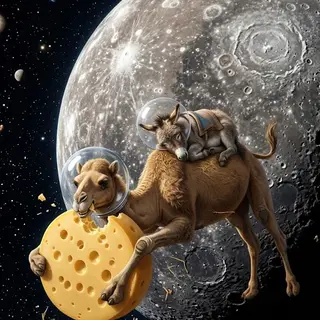
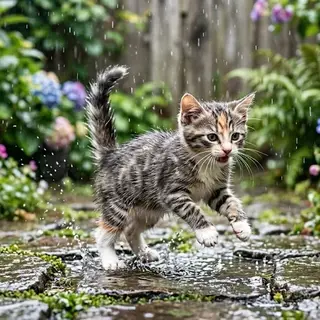
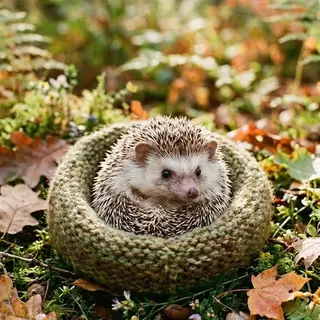


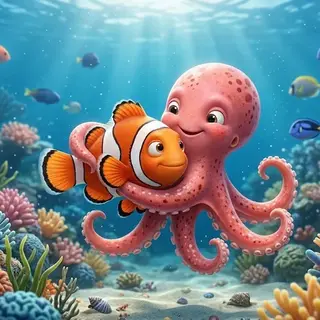
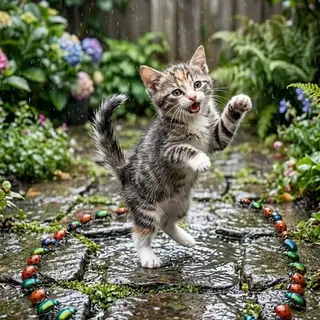
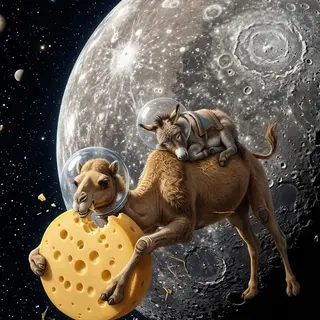
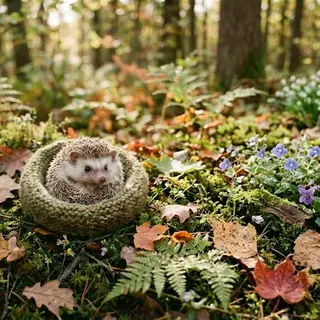

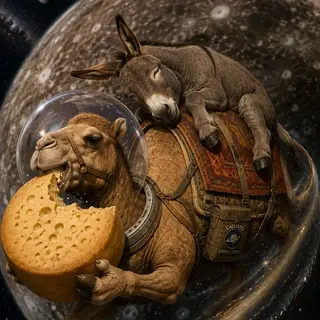
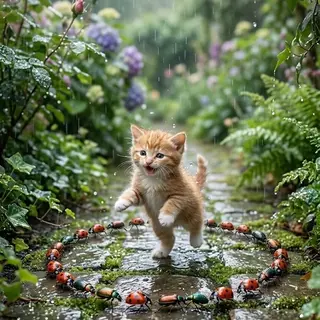
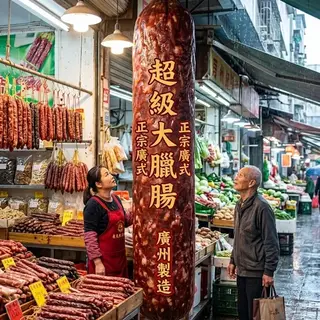
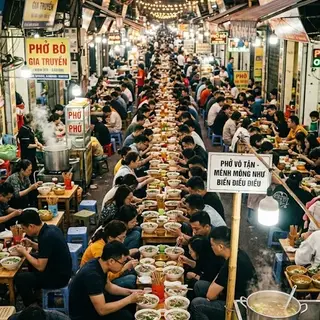
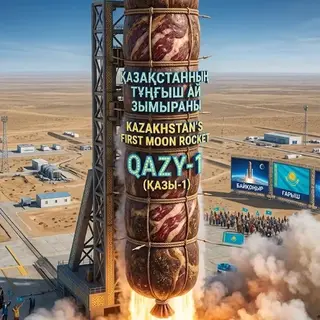
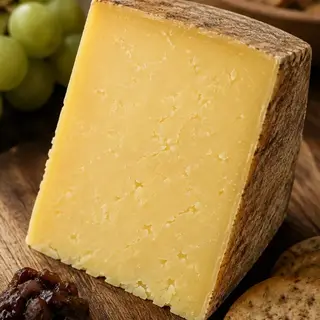
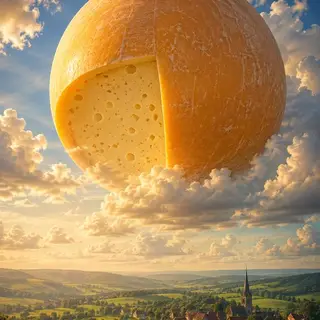
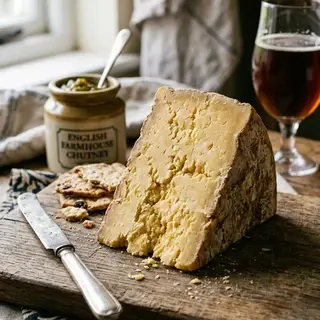
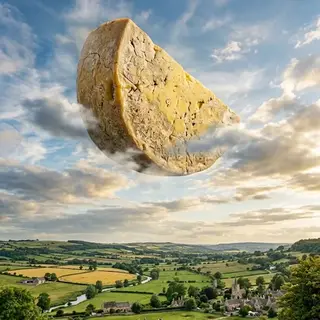
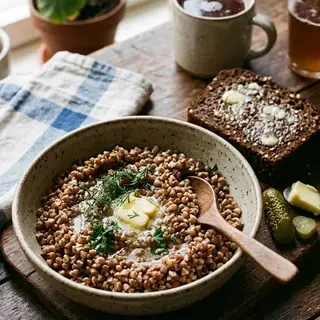
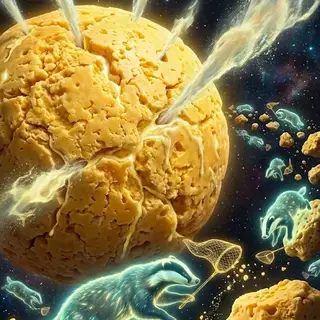

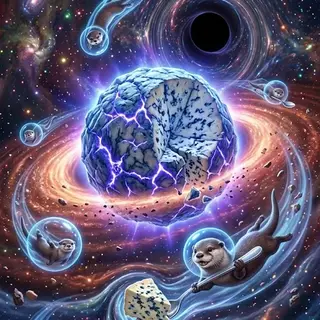

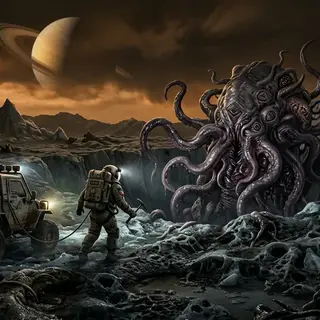
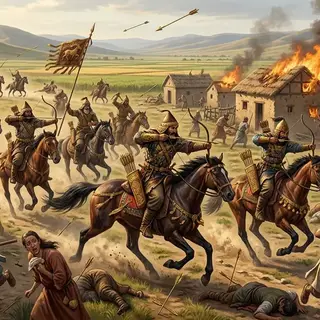

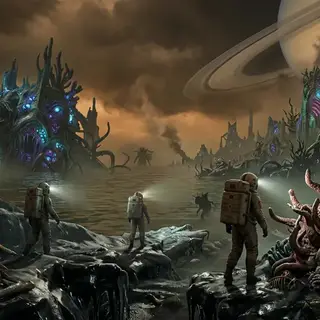
Unlock your creativity.
When AutoGem handles the copy-paste grind, you get the time back to invent, iterate, and ship bigger ideas.
-
Skip the paste loop
Queue every prompt once. AutoGem runs them in your AI chat so you don't babysit each generation.
-
Spend the batch on better ideas
Try more looks, ratios, and references in the time you used to burn on manual paste-and-wait.
-
Walk away with a full set
Characters, scenes, product shots: come back to a finished series ready to review, not a half-done chat.
A prompt queue inside your AI workspace.
AutoGem works alongside ChatGPT, Gemini, and Grok, so you can run a full image batch without changing how you create.
- Open your preferred AI image tool.
- Add your prompts and generation settings.
- Start the queue and let AutoGem save the results.
 Download for
Google Chrome
Download for
Google Chrome
Start your next image batch on autopilot.
Install AutoGem, open your AI chat, paste the prompts, and let the queue finish the set.
Download for
Google Chrome
Free for Chrome. Works with ChatGPT, Gemini, Grok, and Qwen.