 AutoGem
YouTube story scene prompts in one consistent style
Six beats of a floating-garden story, from dawn to night, written so every image shares one palette and one illustration style. No reference image needed. Swap in the beats of your own script and keep the style words the same.
- 6 prompts
- Aspect ratio 16:9
- Changes per prompt: Story beat
- Made in Gemini on October 20, 2026
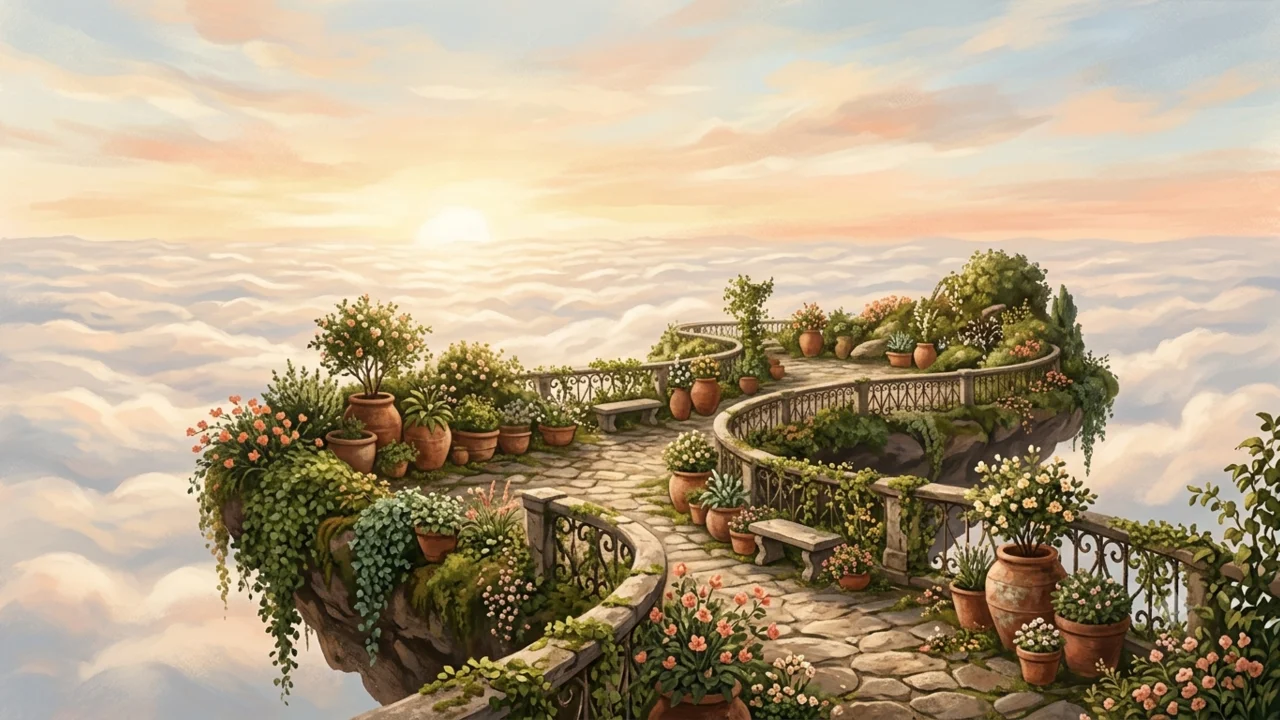
Every prompt and its result
Each image is the unedited result of the prompt under it, made in Gemini. Highlighted words change from prompt to prompt.
-
Wide opening shot of the floating garden at dawn Create a wide establishing image of a fictional garden floating above the clouds at dawn, terracotta pots and trailing vines along a small stone terrace, warm ivory, moss green, and muted coral palette, painterly editorial illustration, soft textured brushwork, open sky in the upper third, no people, no lettering or logos.
-
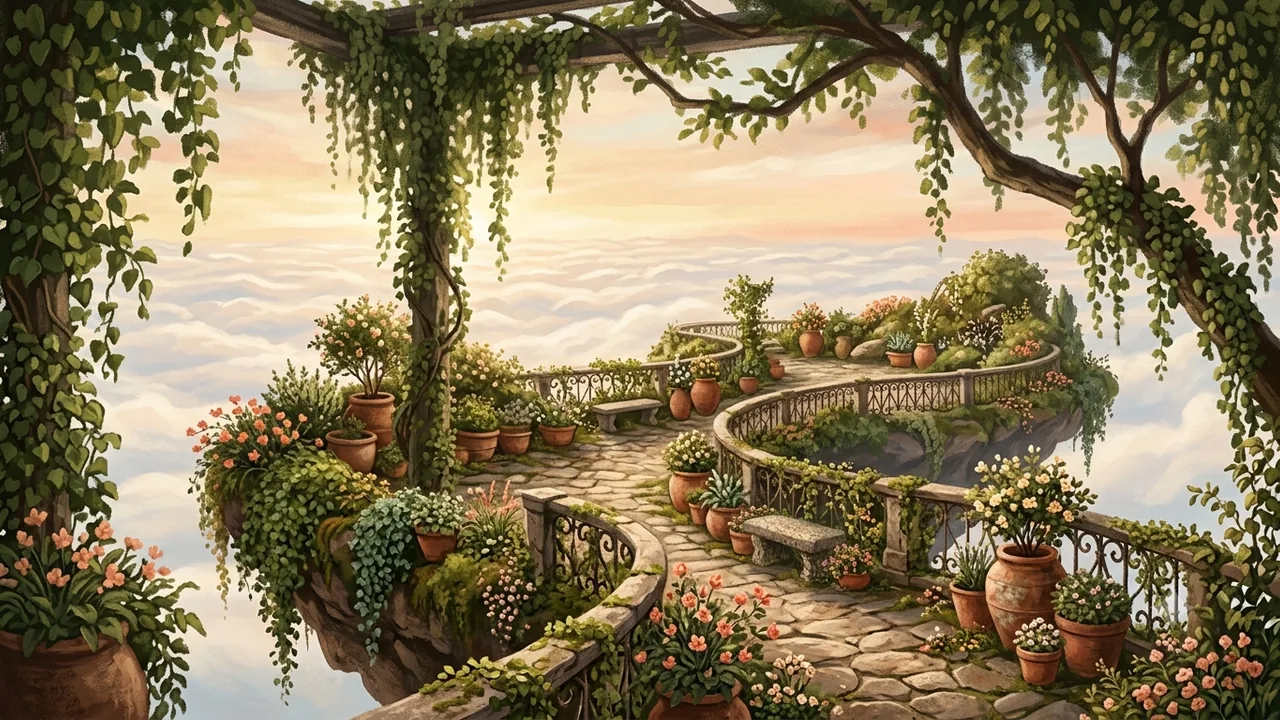
A narrow stone path through the floating garden in morning light Create a medium view inside a fictional garden floating above the clouds, terracotta pots and trailing vines around a narrow stone path, morning light, warm ivory, moss green, and muted coral palette, painterly editorial illustration, soft textured brushwork, a clear path leading into the scene, no people, no lettering or logos.
-
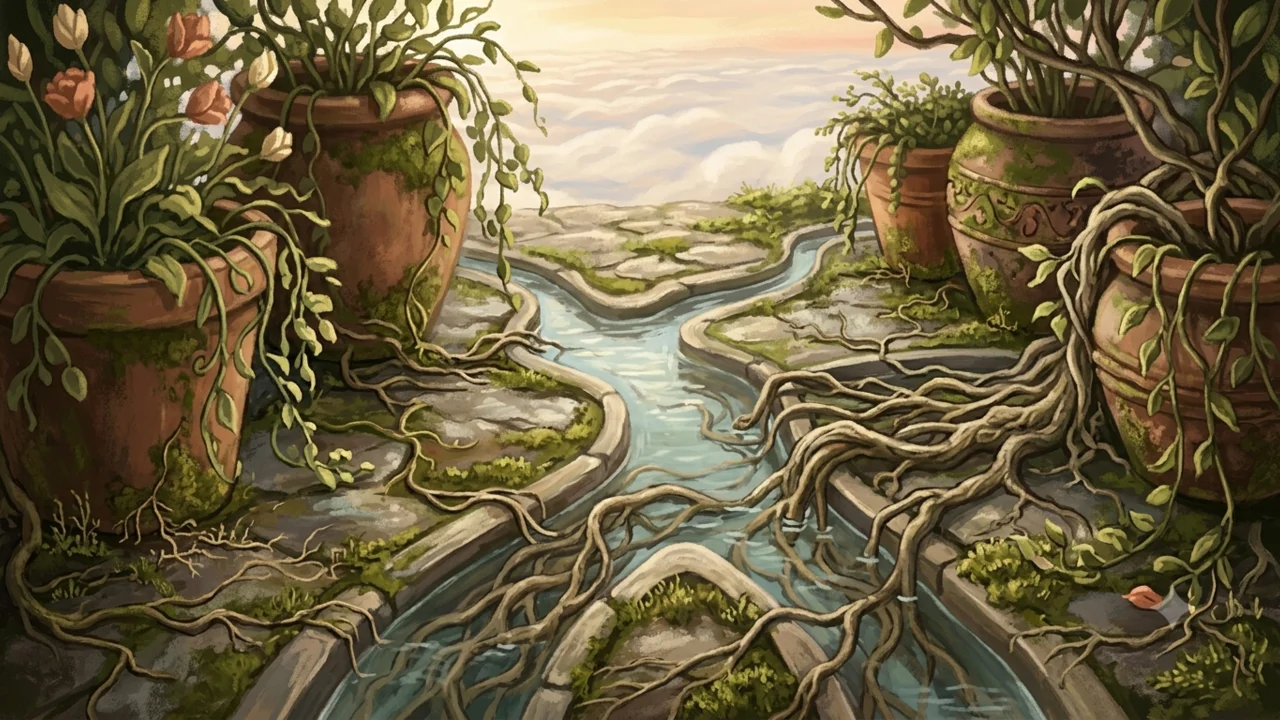
Close-up of roots and water channels between terracotta pots Create a close-up of roots and shallow water channels between terracotta pots in a fictional garden floating above the clouds, trailing vines, soft daylight, warm ivory, moss green, and muted coral palette, painterly editorial illustration, soft textured brushwork, clear simple composition, no people, no lettering or logos.
-
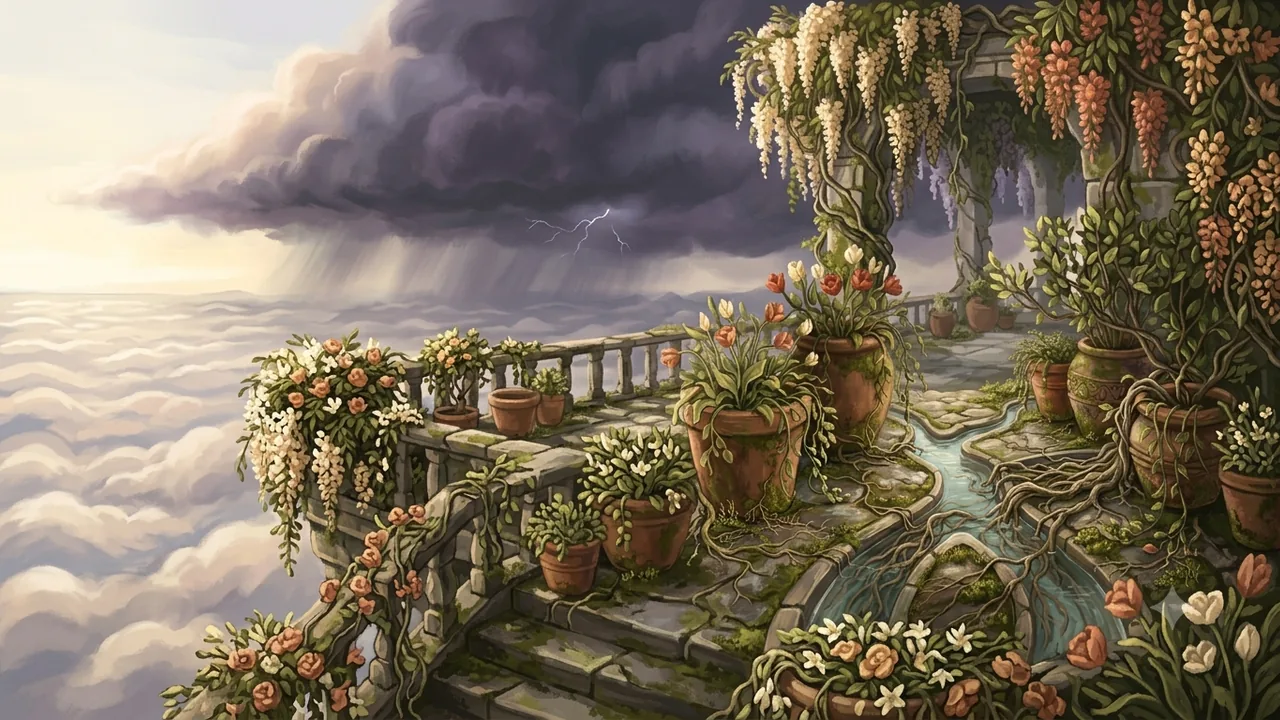
A dark rain cloud approaching the floating garden Create a wide view of a fictional garden floating above the clouds as a dark rain cloud approaches, terracotta pots and trailing vines along a small stone terrace, warm ivory, moss green, and muted coral palette, painterly editorial illustration, soft textured brushwork, dramatic but gentle mood, no people, no lettering or logos.
-
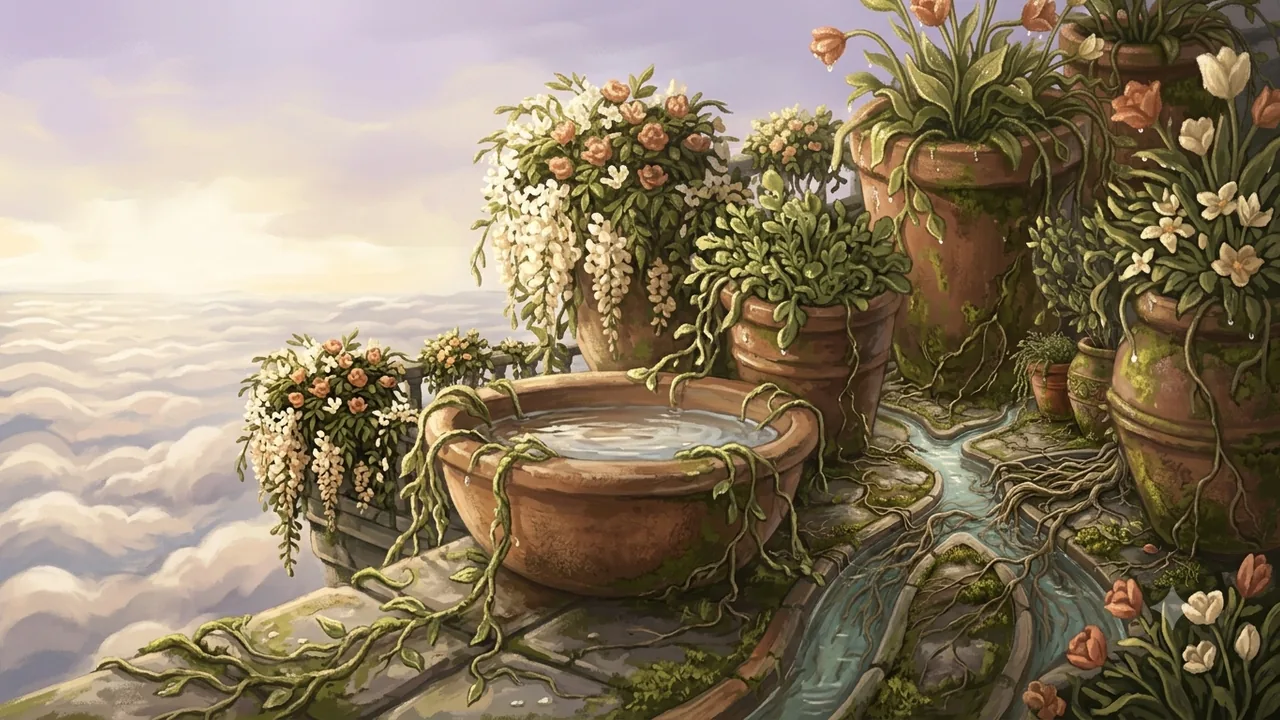
Rainwater collecting in a terracotta basin after the storm Create a detail image of rainwater collecting in a terracotta basin with shallow channels leading toward terracotta plant pots in a fictional garden floating above the clouds, trailing vines, soft light after rain, warm ivory, moss green, and muted coral palette, painterly editorial illustration, soft textured brushwork, no people, no lettering or logos.
-
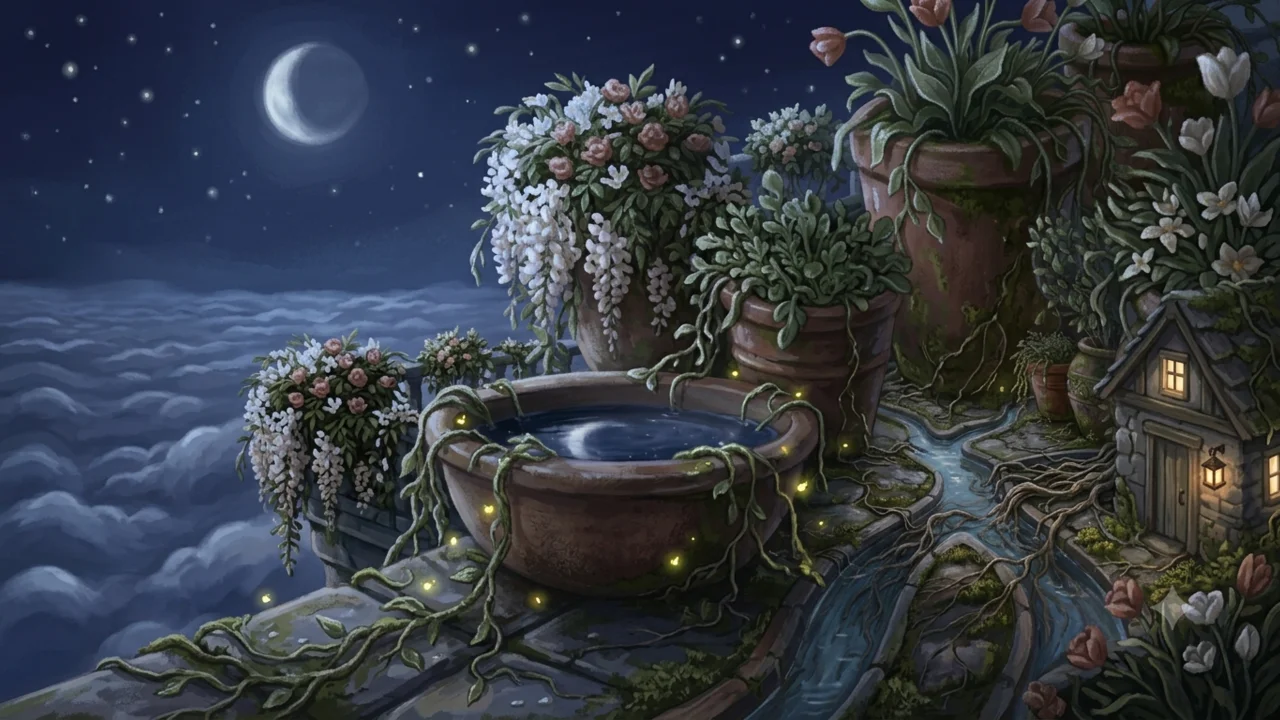
Closing shot of the floating garden at night Create a wide closing image of a fictional garden floating above the clouds at night, terracotta pots and trailing vines along a small stone terrace, warm windows in a small garden shed, warm ivory, moss green, and muted coral palette, painterly editorial illustration, soft textured brushwork, quiet atmosphere, open sky above, no people, no lettering or logos.
How to adapt this set
- Keep the style words (palette, medium, and brushwork) identical in every prompt. They are what hold the look across a whole video.
- Change only the shot and the moment: wide, medium, close-up, or detail.
- Write one prompt per beat of your script, in order, so the images come back in timeline order.
- Plan a new image every 5 to 10 seconds of narration. A 10-minute video needs roughly 75 to 120.
- To run all 6 at once, export the set to AutoGem, and start the queue. Every image saves to your folder as it finishes.
Run the whole set in one go
AutoGem is a free Chrome extension that sends each prompt to Gemini or ChatGPT for you and saves every image to your folder.
 Download for
Google Chrome